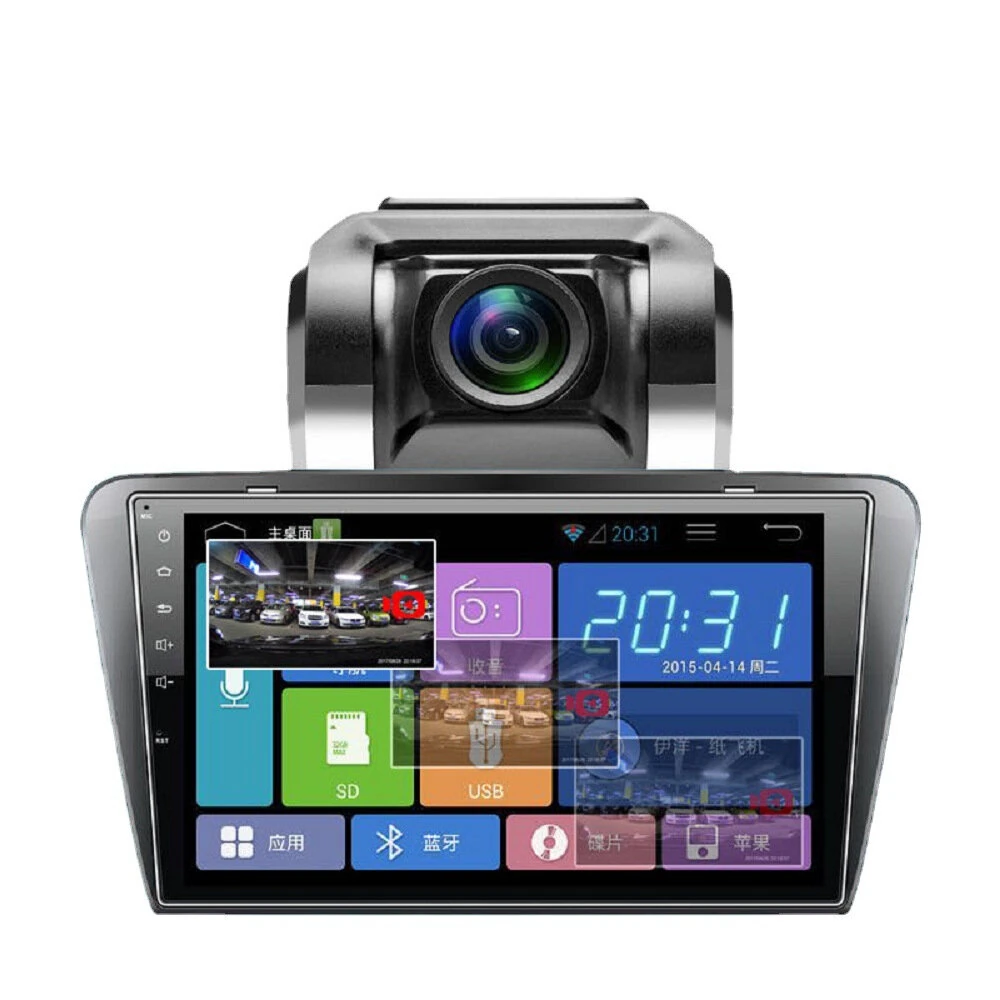
MHCABSR HD Wireless Infrared Night Rear View Car Camera, Specification: Wireless Set(Black)
 MS-358RSW
 Audi
Audi MZ-187CCD
 European Car Camera
 2 in 1
 YX001
YX001 Two-way Control Box
 2.4G Receiver Transmitter
 Reversing Camera
 MS-307
 Toyota Corolla
 316
316 Wireless Receiver
The MHCABSR HD Wireless Infrared Night Rear View Car Camera, Specification: Wireless Set(Black) is a premium rear view monitors designed for premium buyers. It features One Package Weight: 0.50kgs / 1.11lb and One Package Size: 28cm * 12cm * 10cm / 11.02inch * 4.72inch * 3.94inch.
Available Offers
Free Delivery on this order. No minimum order value.
15-Day Easy Returns — hassle-free return & full refund.
Secure Payment — 100% safe checkout with UPI, Cards & Net Banking.
Available Offers
5% Cashback
Pay with UPI & get 5% cashback (up to ₹50) via Razorpay
No-Cost EMI
Available on select bank cards at checkout. 0% interest for 3 months.
Free Shipping
Free delivery on all orders. No minimum order value.
Cash on Delivery
COD available on orders up to ₹5,000 across India.
Quick Specs
Ideal For
About This Product
The MHCABSR HD Wireless Infrared Night Rear View Car Camera, Specification: Wireless Set(Black) is a premium rear view monitors designed for premium buyers. It delivers reliable performance at an accessible price.
Key Specifications
- One Package Weight: 0.50kgs / 1.11lb
- One Package Size: 28cm * 12cm * 10cm / 11.02inch * 4.72inch * 3.94inch
- Best Sellers Rank (In Car): #6653
- Best Sellers Rank (In Car > Parking Sensor ): #63
- Best Sellers Rank (In Car > Parking Sensor > Rear View Cameras): #43 — captures sharp, detailed images
Why Buy from Elecvora?
Elecvora sources this product directly, cutting out multiple middlemen. Every order includes free shipping, a 15-day return policy, and secure payment via Razorpay.
1. Material: plastic 2. Angle: 170 degrees 3. Waterproof grade: IP68 4. Voltage: 9-36V 5. Power: 2W 6. Resolution: 800x480 7. Applicable models: universal 8. Video signal: wireless transmission 9. Chip: PC3089 10. Video format: PAL/NTSC 11. White Balance: Auto 12. Display format: 16:9 13. Send and receive distance: about 20m 14. Display size: 4.3 inches 15. Weight: about 300g Features: 1. With 12 auto-sensing infrared night vision lights 2. Using glue filling technology, the whole body is waterproof, dustproof and shockproof 3. Ultra-long signal transmission and reception, the wireless transmission and reception frequency of display and camera is 2.4GHz, and the transmission and reception distance can reach 20m 4. Using magnetic bracket, non-destructive installation 5. Easy to use, easy to install, automatically connect when power on 6. Wide applicability, LCD display 7. Mirror conversion, 170-degree wide-angle