Car Wireless WiFi Camera Waterproof Universal Reversing Camera(Black)
 Reversing Camera
 Audi
Audi MZ-187CCD
 European Car Camera
 2 in 1
 YX001
YX001 Two-way Control Box
 2.4G Receiver Transmitter
 MS-358RSW
 MS-307
 Toyota Corolla
 316
316 Wireless Receiver
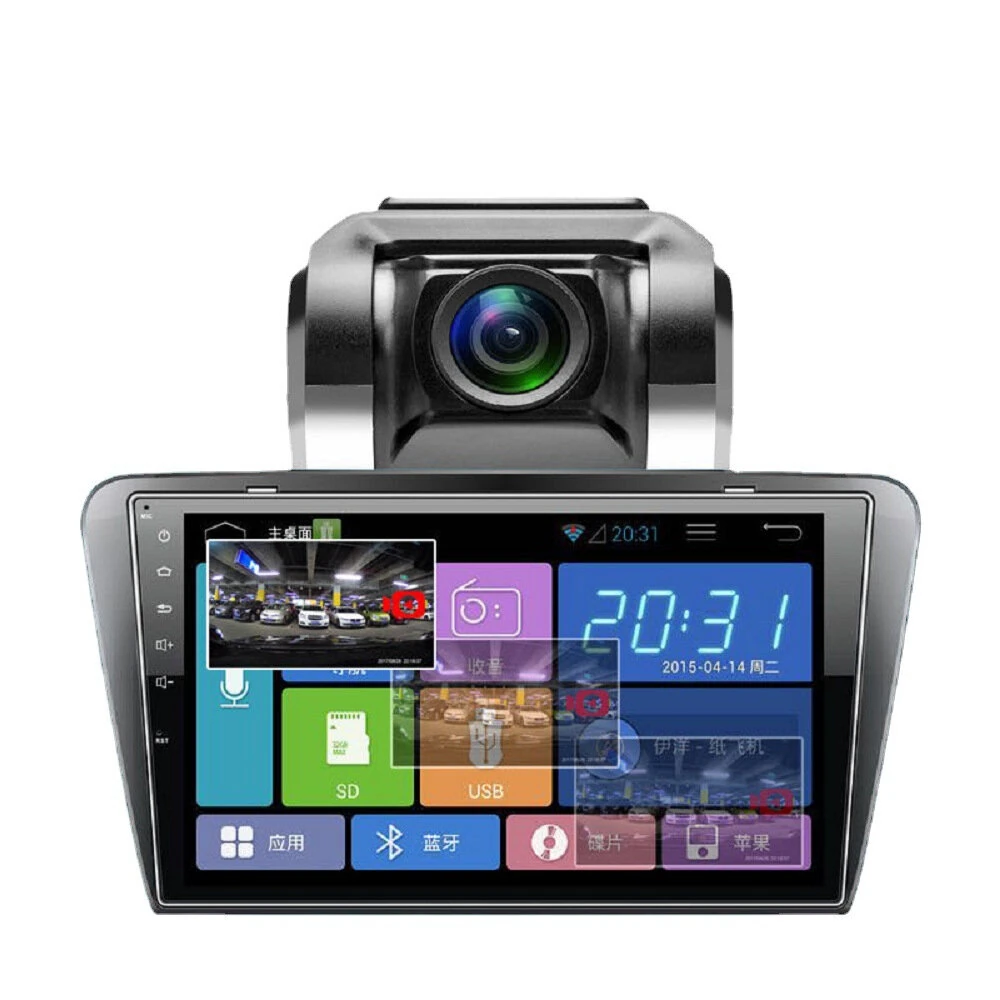
The Car Wireless WiFi Camera Waterproof Universal Reversing Camera(Black) is a premium rear view monitors designed for premium buyers. It features One Package Weight: 0.50kgs / 1.11lb and One Package Size: 12cm * 10cm * 6cm / 4.72inch * 3.94inch * 2.36inch.
Available Offers
Free Delivery on this order. No minimum order value.
15-Day Easy Returns — hassle-free return & full refund.
Secure Payment — 100% safe checkout with UPI, Cards & Net Banking.
Available Offers
5% Cashback
Pay with UPI & get 5% cashback (up to ₹50) via Razorpay
No-Cost EMI
Available on select bank cards at checkout. 0% interest for 3 months.
Free Shipping
Free delivery on all orders. No minimum order value.
Cash on Delivery
COD available on orders up to ₹5,000 across India.
Quick Specs
Ideal For
About This Product
The Car Wireless WiFi Camera Waterproof Universal Reversing Camera(Black) is a premium rear view monitors designed for premium buyers. It delivers reliable performance at an accessible price.
Key Specifications
- One Package Weight: 0.50kgs / 1.11lb
- One Package Size: 12cm * 10cm * 6cm / 4.72inch * 3.94inch * 2.36inch
- Best Sellers Rank (In Car): #6652
- Best Sellers Rank (In Car > Parking Sensor ): #62
- Best Sellers Rank (In Car > Parking Sensor > Rear View Cameras): #42 — captures sharp, detailed images
Why Buy from Elecvora?
Elecvora sources this product directly, cutting out multiple middlemen. Every order includes free shipping, a 15-day return policy, and secure payment via Razorpay.
1. Material: aluminum alloy 2. Viewing angle: 120 degrees 3. Waterproof grade: IP68 4. Working voltage: 9-30V 5. Power: 2W 6. Resolution: 720x480 7. Applicable models: buses, transport trucks, school buses and other commercial vehicles 8. Video signal: AV 9. Chip: PC3089 10. Pixels: 756(H)x504(V) 11. Frequency range: 2.4-2.4835GHz 12. Wireless communication: WIFI 13. Infrared lights: 18 night vision infrared lights 14. Wireless transmission distance: about 60m (barrier-free), about 15m with obstacles 15. Size: about 7.5x5x8.3 cm 16. Weight: about 480g Features: 1. Adjustable stand, rotate freely 2. Watch the video in real time on the mobile APP, take a photo with one button, and view the picture 3. Aluminum alloy shell, high and low temperature resistance, rainproof, lightningproof and dustproof 4. HD night vision, clear picture quality 5. 120-degree wide-angle, mirror conversion 6. Compatible software, support iOS/Android system 7. Transfer data from camera to smartphone via WIFI