1 / 7 · Click to enlarge
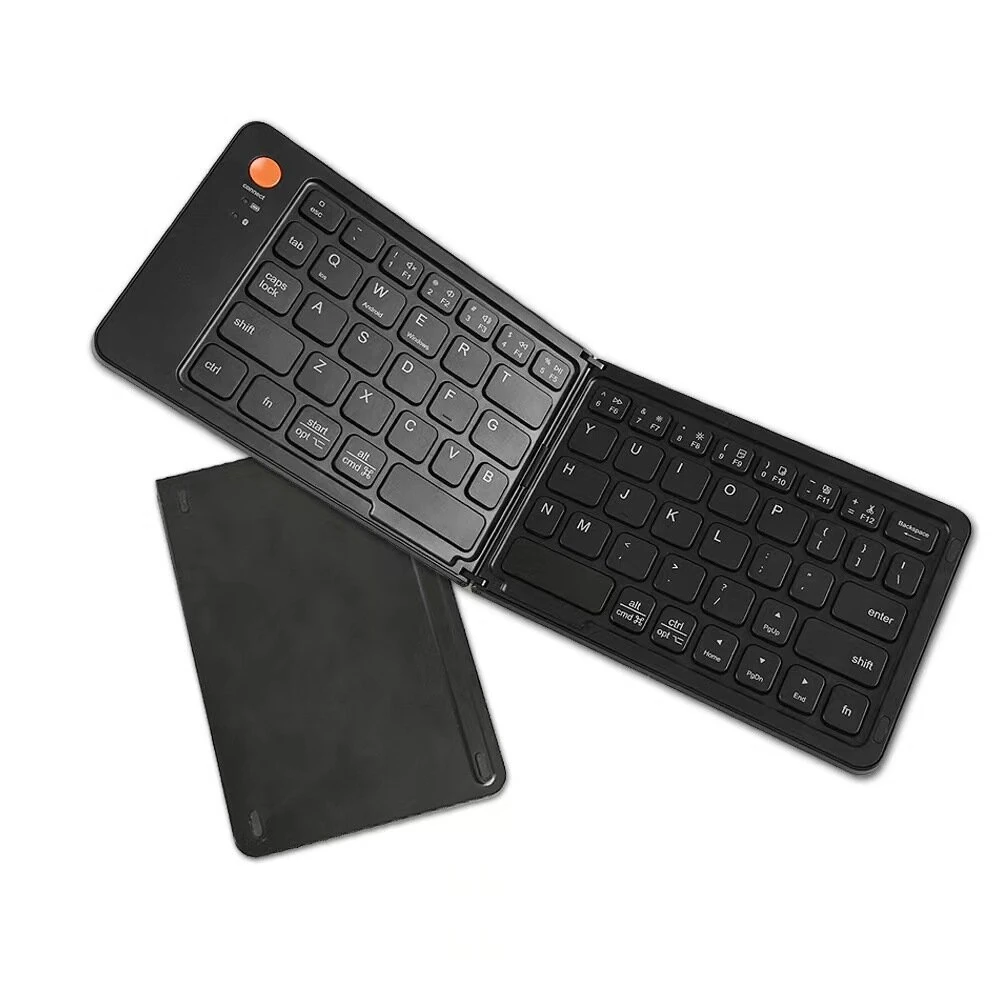
HXSJ P8 Mobile Phone Keyboard Mouse Converter for Android System(Black)
 P8
P8 P9
P9The HXSJ P8 Mobile Phone Keyboard Mouse Converter for Android System(Black) is a mid-range computer peripherals designed for everyday users. It features One Package Weight: 0.07kgs / 0.16lb and One Package Size: 15cm * 11cm * 3cm / 5.91inch * 4.33inch * 1.18inch.
Available Offers
Free Delivery on this order. No minimum order value.
15-Day Easy Returns — hassle-free return & full refund.
Secure Payment — 100% safe checkout with UPI, Cards & Net Banking.
Available Offers
5% Cashback
Pay with UPI & get 5% cashback (up to ₹50) via Razorpay
No-Cost EMI
Available on select bank cards at checkout. 0% interest for 3 months.
Free Shipping
Free delivery on all orders. No minimum order value.
Cash on Delivery
COD available on orders up to ₹5,000 across India.
Quick Specs
Ideal For
About This Product
The HXSJ P8 Mobile Phone Keyboard Mouse Converter for Android System(Black) is a mid-range computer peripherals designed for everyday users. It delivers reliable performance at an accessible price.
Key Specifications
- One Package Weight: 0.07kgs / 0.16lb
- One Package Size: 15cm * 11cm * 3cm / 5.91inch * 4.33inch * 1.18inch
- Best Sellers Rank (Computer & Networking): #5740
- Best Sellers Rank (Computer & Networking > Mice & Keyboard): #737
- Best Sellers Rank (Computer & Networking > Mice & Keyboard > Other): #89
Why Buy from Elecvora?
Elecvora sources this product directly, cutting out multiple middlemen. Every order includes free shipping, a 15-day return policy, and secure payment via Razorpay.
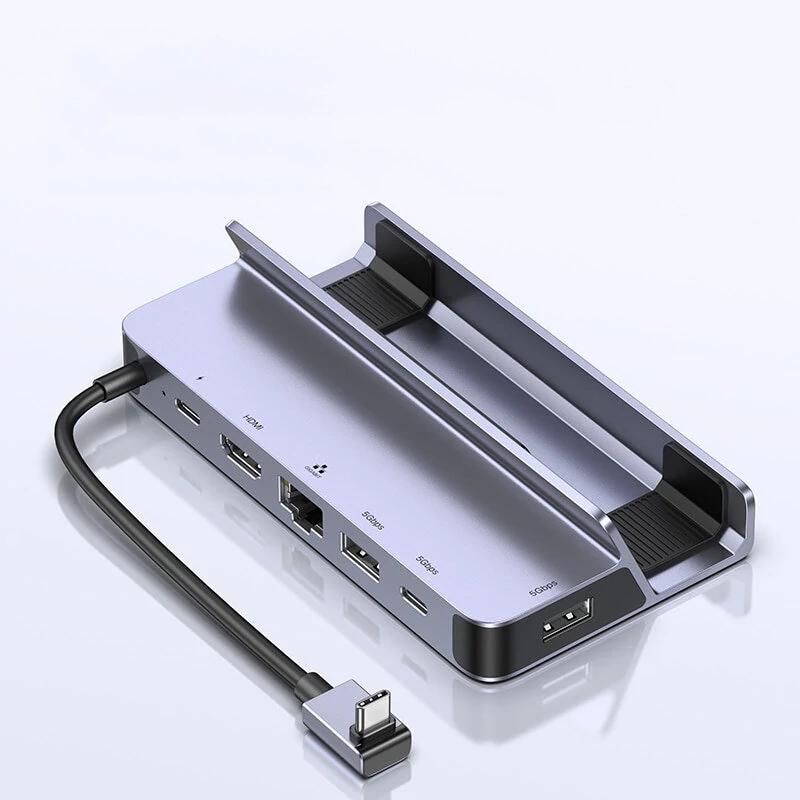
1. Wired interface: USB 2. Mouse and keyboard interface: USB 3. Number of interfaces: 4PCS 4. Input voltage/current: 5V/2A 5. Data cable length: 80cm 6. Data line interface: TYPE-C 7. Adaptation system: Android 6 and above 8. Product weight: 21g 9. Product size: 68x40x13mm How to use: This mode is only available for MediaTek phones 1: Switch mode, press the keyboard, as in the picture in the manual: Combination: Ctrl+F3, the P8 converter switches to "MediaTek Mode", the status light will turn purple 2: Click "Connect Device", such as the picture in the manual 3: Find "LITE-A-XX" BT and connect 4: Return to the main interface of the APP, the device will automatically activate 5: If it is not activated, you need to click the "Activate" option, follow the APP prompts to enter "Developer Options", and turn on the "USB debugging function" Wired connection purpose: 1: Install APP 1) Scan the QR code below to download "geekgamer" 2) Operate "geekgamer" 3) When you open "geekgamer", you will be asked whether to allow the floating window to make the application work normally, click "Allow" 4) Open "Floating Window" to allow 5) Enter the homepage and click +Add game" 6) Select the game you want to play from the list. For example, "PUBG" click "Add" 2: Connect the device 1) Follow the instructions to connect the device to the phone, select "Charge only" and allow USB debugging 3: Android wired connection method (MediaTek mobile phone does not have this method, you need to turn off Bluetooth when using it) 1) Switch the mode, press the keyboard combination: Ctrl+F4, the Mix Lite converter switches to "Android Wired Mode", the status light will turn red 2) Click "ENTER"