1 / 3 · Click to enlarge
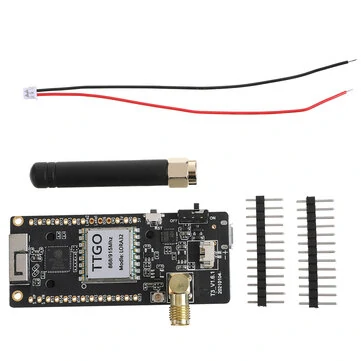
LILYGO TCall&,PMU ESP32 Wireless Module SIM Antenna SIM Card SIM800L Module Unsoldered
The LILYGO TCall&,PMU ESP32 Wireless Module SIM Antenna SIM Card SIM800L Module Unsoldered by LILYGO is a mid-range iot development boards designed for everyday users. It features Item Type: ESP32 Based and Clock Frequency: 40.
Available Offers
Free Delivery on this order. No minimum order value.
15-Day Easy Returns — hassle-free return & full refund.
Secure Payment — 100% safe checkout with UPI, Cards & Net Banking.
Available Offers
5% Cashback
Pay with UPI & get 5% cashback (up to ₹50) via Razorpay
No-Cost EMI
Available on select bank cards at checkout. 0% interest for 3 months.
Free Shipping
Free delivery on all orders. No minimum order value.
Cash on Delivery
COD available on orders up to ₹5,000 across India.
Quick Specs
Ideal For
About This Product
The LILYGO TCall&,PMU ESP32 Wireless Module SIM Antenna SIM Card SIM800L Module Unsoldered by LILYGO is a mid-range iot development boards designed for everyday users. It delivers reliable performance at an accessible price.
Key Specifications
- Item Type: ESP32 Based
- Clock Frequency: 40 — smooth, flicker-free operation
- Chipset: ESPRESSIF-ESP32 240MHz Xtensa® single-/dual-core 32-bit LX6 — smooth, lag-free performance
- Power Supply Voltage (V): 5 V — works with standard household power
- Charging Current: 500mA —
- Operating Voltage (V): 2.7-3.6V — works with standard household power
- Battery required(V): 3.7 lithium Battery — keeps you powered without frequent recharging
- USB to TTL: CP2104
Why Buy from Elecvora?
Elecvora sources this product directly, cutting out multiple middlemen. Every order includes free shipping, a 15-day return policy, and secure payment via Razorpay.
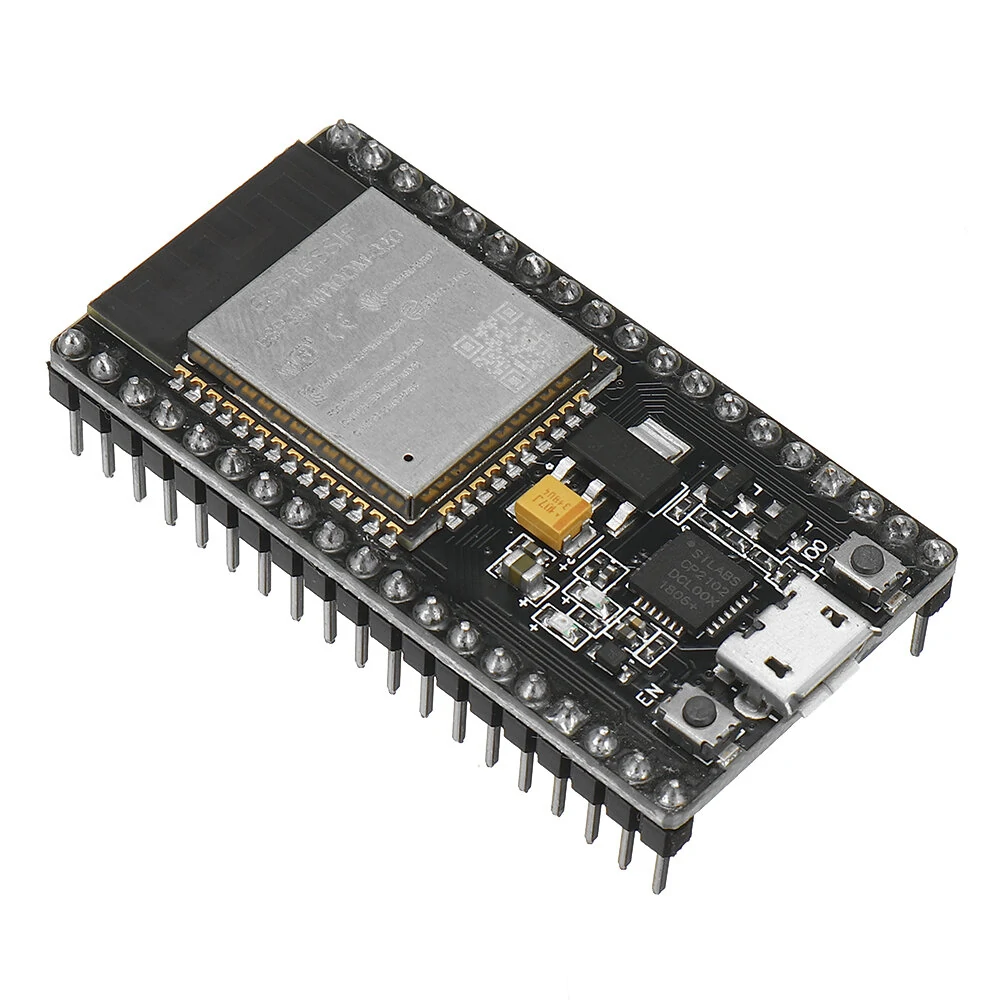
This is a LILYGO TCall&, PMU ESP32 Wireless Module SIM Antenna SIM Card SIM800L Module Unsoldered. The Module is a custom ESP32 (ESP-WROVER-B 8MB PSRAM) based development board with an onboard 2G/GPRS Module SIM800L. The USB Type C pluggable board also has an onboard LiPo Battery Charging Circuit & Connector and is a good choice for building IoT applications.

Features:
- The wireless module is integrated with ESPRESSIF-ESP32 240MHz Xtensa dual-core 32-bit LX6 microprocessor.
- It needs a power supply of 5V/1A and has a Type C port.
- It features 802.11 b/g/n wifi protocol and Bluetooth v4.2BR/EDR and BLE standard protocol.
- The wireless communication module supports cloud server development and SDK for user firmware development.