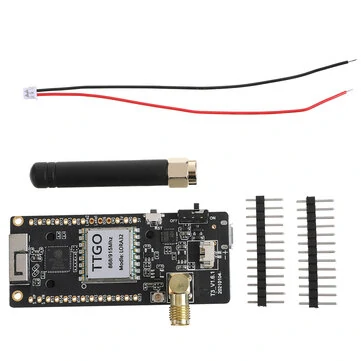
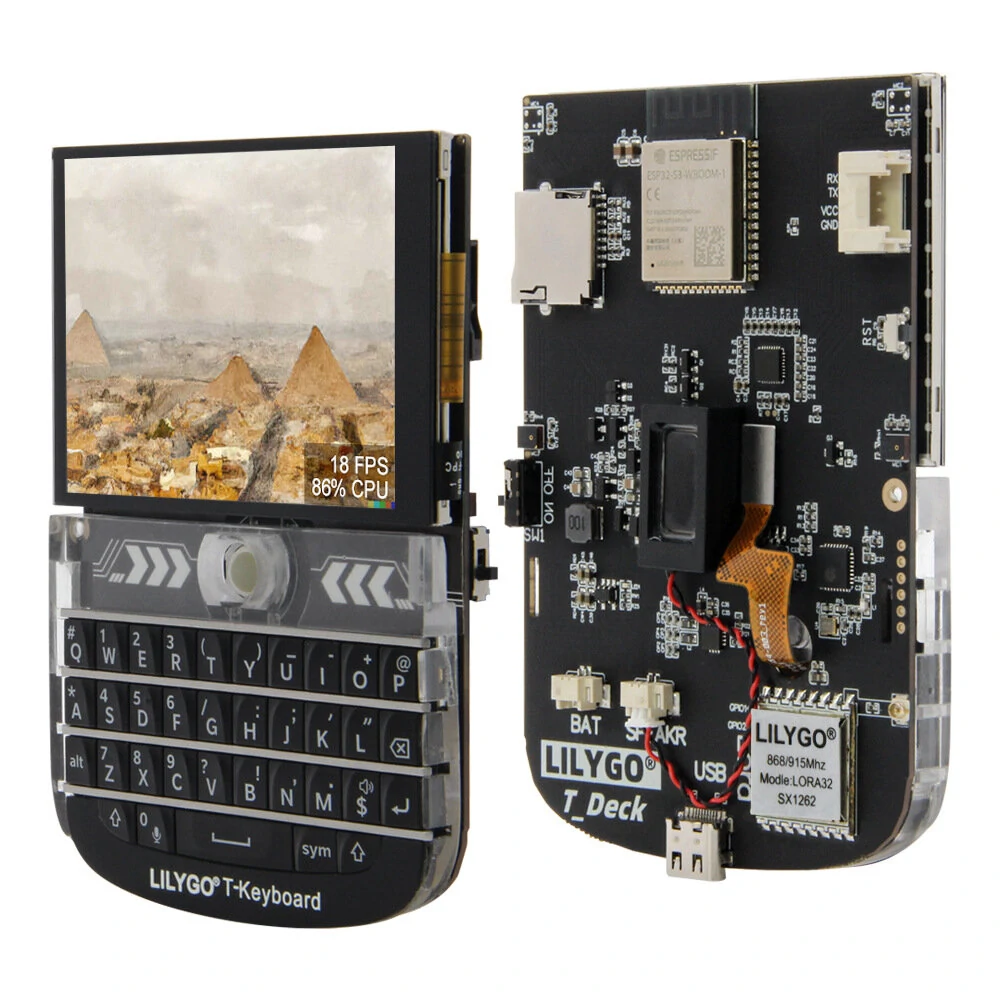
The Unsoldered Lora 868MHz Shield for LILYGO T-SIM7000G Module by LILYGO is a mid-range lora module designed for everyday users. It features Model No. / Name: LILYGO Modules and Operating Frequency (MHz): 868.
Available Offers
Free Delivery on this order. No minimum order value.
15-Day Easy Returns — hassle-free return & full refund.
Secure Payment — 100% safe checkout with UPI, Cards & Net Banking.
Available Offers
5% Cashback
Pay with UPI & get 5% cashback (up to ₹50) via Razorpay
No-Cost EMI
Available on select bank cards at checkout. 0% interest for 3 months.
Free Shipping
Free delivery on all orders. No minimum order value.
Cash on Delivery
COD available on orders up to ₹5,000 across India.
Quick Specs
Ideal For
About This Product
The Unsoldered Lora 868MHz Shield for LILYGO T-SIM7000G Module by LILYGO is a mid-range lora module designed for everyday users. It delivers reliable performance at an accessible price.
Key Specifications
- Model No. / Name: LILYGO Modules
- Operating Frequency (MHz): 868 — smooth, flicker-free operation
- Charging Current: 500mA —
- Battery Input Voltage (V): 3.7-4.2V — keeps you powered without frequent recharging
- WiFi Standard: FCC/CE-RED/IC/TELEC/KCC/SRRC/NCC (ESP32 chip) — fast, stable wireless internet
- WiFi Protocol: 802.11 b/g/n — fast, stable wireless internet
- Frequency: 2.4~2.5GHz — smooth, flicker-free operation
- Transmit Power (dBm): 22dBm
Why Buy from Elecvora?
Elecvora sources this product directly, cutting out multiple middlemen. Every order includes free shipping, a 15-day return policy, and secure payment via Razorpay.
This is a Lora 868MHz Shield for TTGO T-SIM7000G Module Unsoldered. It allows data transmission in a certain km through the serial port. By utilizing the new generation LoRa spread spectrum modulation technology, the communication distance of the module is as long as a certain km. Also supports auto repeating to transmit longer. Other features include Wake on Radio, wireless config, carrier sensing, communication key, and so on. The module achieves a longer communication distance, higher rate, lower consumption, better safety, and anti-interference. It is suitable for various applications such as industrial control, smart home, data collection, etc.
Note : LILYGO on module working remains same.Features:
- It features 802.11 b/g/n wifi protocol and Bluetooth v4.2BR/EDR and BLE standard protocol.
- The wireless communication module supports cloud server development and SDK for user firmware development.
Useful links: https://github.com/Xinyuan-LilyGO/LilyGO-T-HiGrow-LoRaWLAN