1 / 12 · Click to enlarge
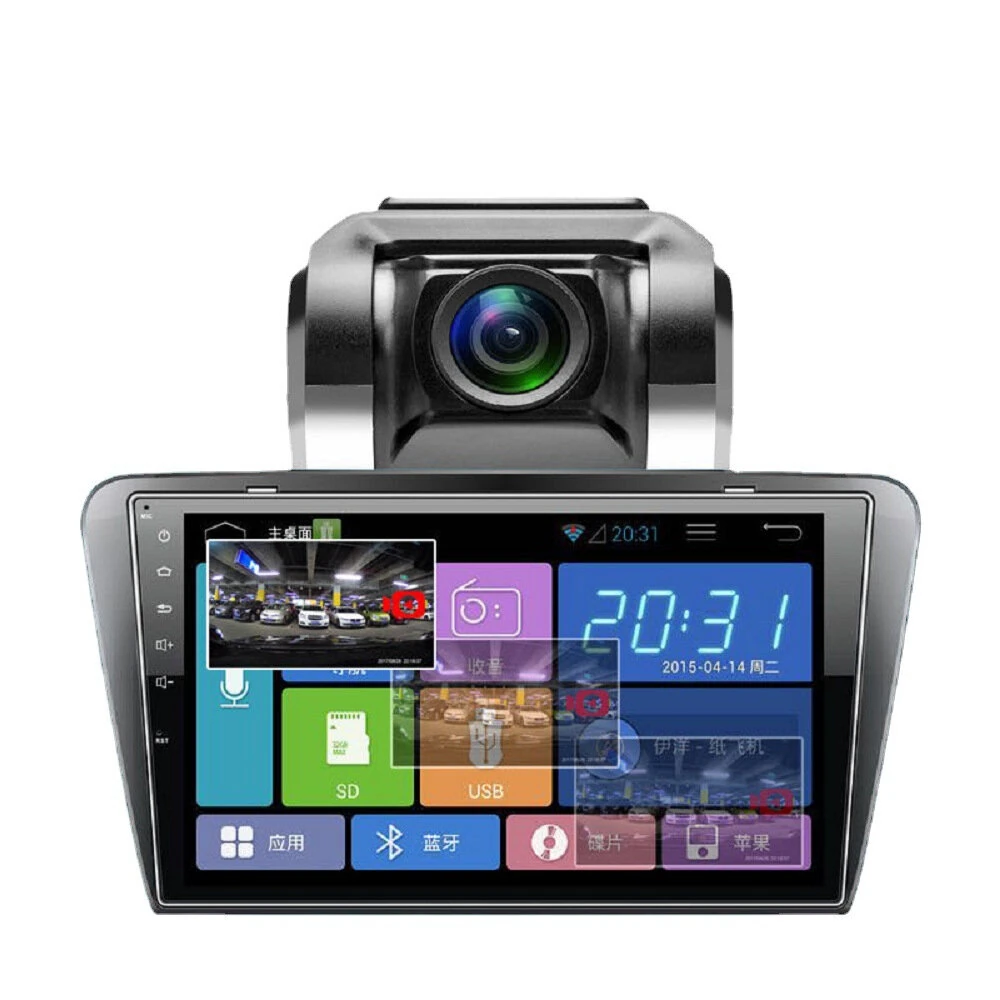
IP66 Waterproof Night Vision Mini WiFi Reversing Car Camera, Night Vision Distance: 5-10m
5.01 rating IP66 Waterproof
 A17S
A17S S26
S26 A215
A215The IP66 Waterproof Night Vision Mini WiFi Reversing Car Camera, Night Vision Distance: 5-10m is a mid-range rear view monitors designed for everyday users. It features Waterproof Level: IP66 and Size: 23*23*3cm. Customers praise its excellent build quality.
Available Offers
Free Delivery on this order. No minimum order value.
15-Day Easy Returns — hassle-free return & full refund.
Secure Payment — 100% safe checkout with UPI, Cards & Net Banking.
Available Offers
5% Cashback
Pay with UPI & get 5% cashback (up to ₹50) via Razorpay
No-Cost EMI
Available on select bank cards at checkout. 0% interest for 3 months.
Free Shipping
Free delivery on all orders. No minimum order value.
Cash on Delivery
COD available on orders up to ₹5,000 across India.
Quick Specs
Ideal For
About This Product
The IP66 Waterproof Night Vision Mini WiFi Reversing Car Camera, Night Vision Distance: 5-10m is a mid-range rear view monitors designed for everyday users. Customers highlight its excellent build quality.
Key Specifications
- Waterproof Level: IP66 — protected against splashes and rain
- Size: 23*23*3cm
- Image Sensor: CMOS
- Mini Lumination: 0.1 Lux — excellent visibility in any environment
- Working Temperature: -20 - 70 Degree Celsius
- One Package Weight: 0.12kgs / 0.27lb
- One Package Size: 12cm * 8cm * 5cm / 4.72inch * 3.15inch * 1.97inch
- Best Sellers Rank (In Car): #2728
Why Buy from Elecvora?
Elecvora sources this product directly, cutting out multiple middlemen. Every order includes free shipping, a 15-day return policy, and secure payment via Razorpay.
1. Reversing visual function. High-definition rear view can be realized by connecting the smart device of the camera's WiFi. 2. Reversing triggers the recording. Each time the phone is turned back, the reversing video is saved on the smartphone side, covering the cycle five times, recording the driving trajectory of each reversing car to protect your safety responsibility. 3. Intelligent electronic rearview mirror function. Through real-time viewing on the device side, after entering the rear view video, you can watch the situation behind the real-time vehicle, view from all angles, and blur beyond the traditional rear view mirror angle to improve driving safety. 4. Intelligent background startup, voice call starts. The back-up trigger signal is monitored in the background of the Android system, and it is automatically started without manual entry. The iOS system voice call starts, static IP connection, and the Internet and reverse are simultaneously performed.