1 / 16 · Click to enlarge
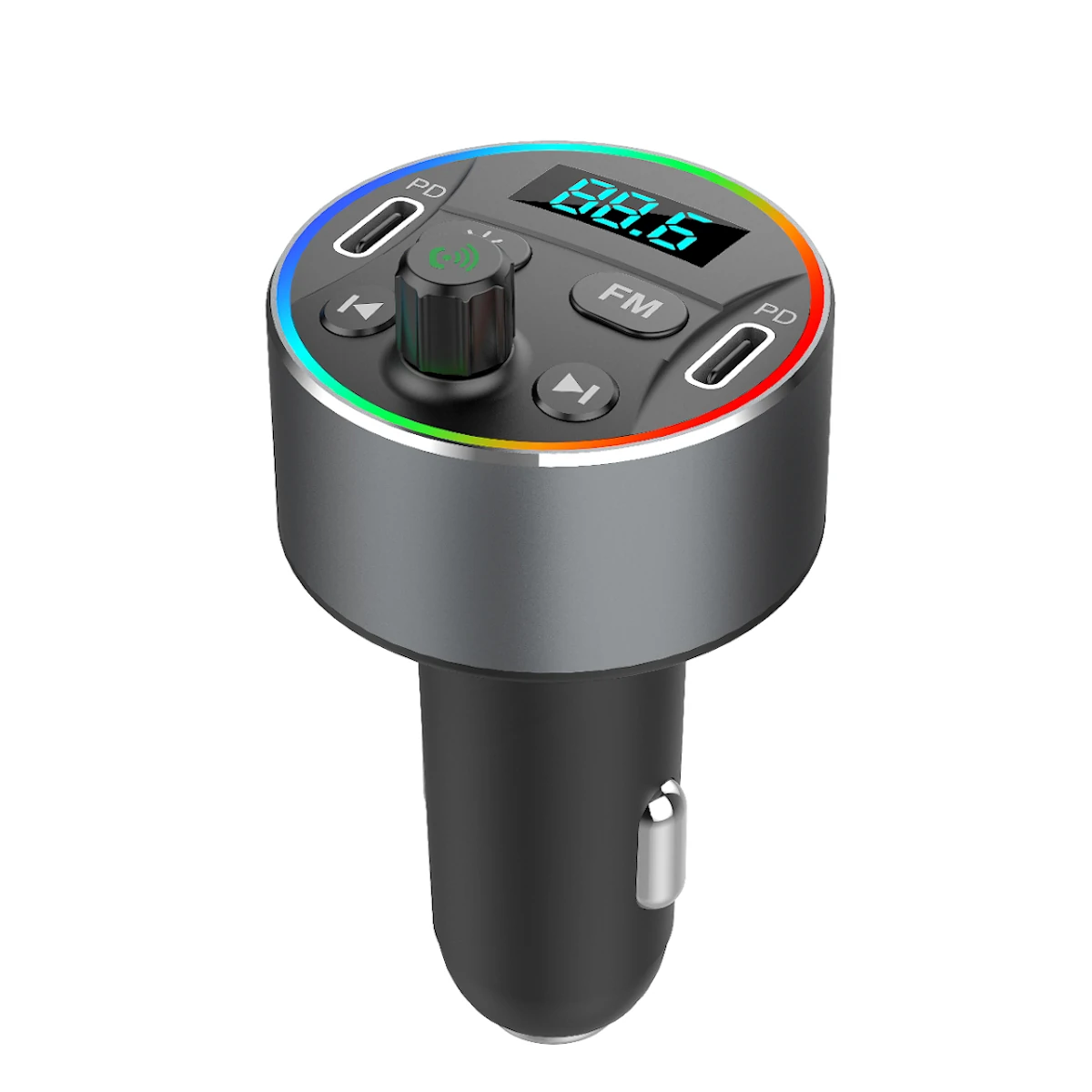
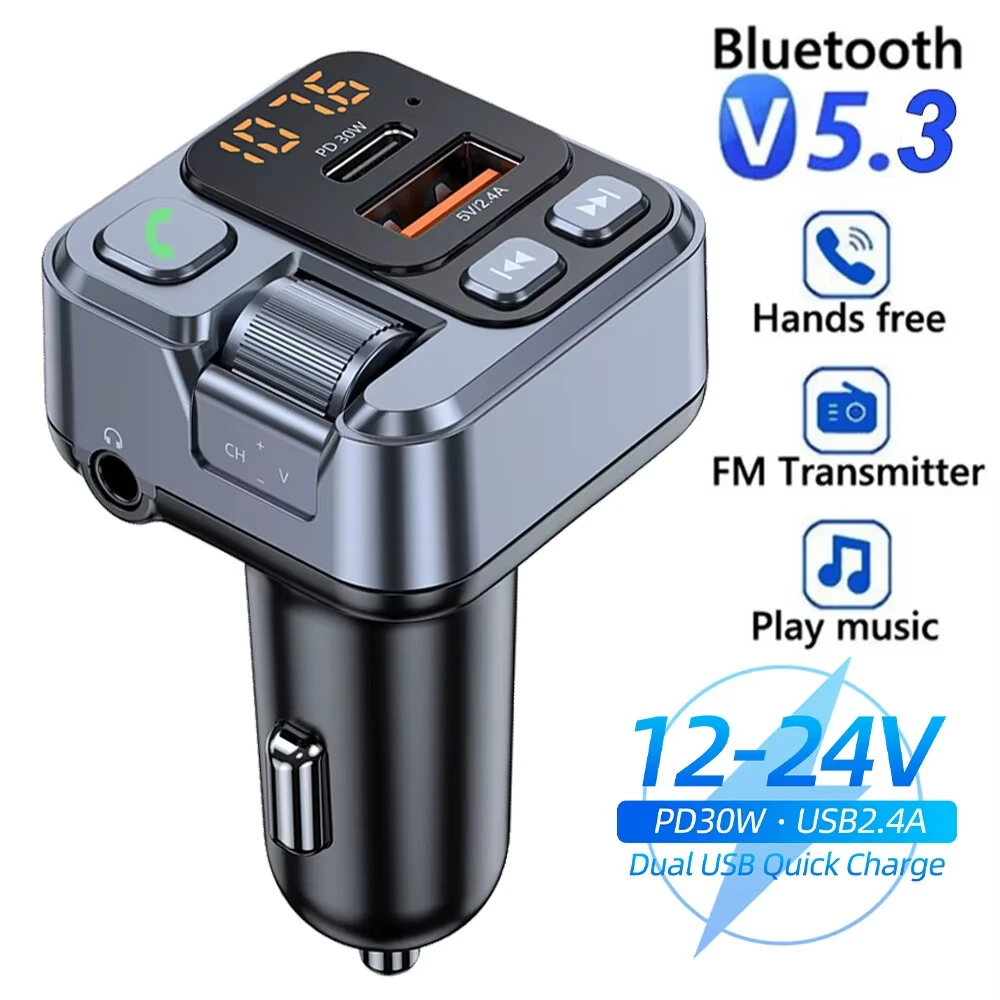
Cup Holder Car Charger Car Bluetooth MP3 Support Bluetooth / TF Card / U Disk / FM (Green)
5.01 ratingThe Cup Holder Car Charger Car Bluetooth MP3 Support Bluetooth / TF Card / U Disk / FM (Green) is a mid-range car charger designed for everyday users. It features One Package Weight: 0.23kgs / 0.51lb and One Package Size: 12cm * 10cm * 8cm / 4.72inch * 3.94inch * 3.15inch.
Available Offers
Free Delivery on this order. No minimum order value.
15-Day Easy Returns — hassle-free return & full refund.
Secure Payment — 100% safe checkout with UPI, Cards & Net Banking.
Available Offers
5% Cashback
Pay with UPI & get 5% cashback (up to ₹50) via Razorpay
No-Cost EMI
Available on select bank cards at checkout. 0% interest for 3 months.
Free Shipping
Free delivery on all orders. No minimum order value.
Cash on Delivery
COD available on orders up to ₹5,000 across India.
Quick Specs
Ideal For
About This Product
The Cup Holder Car Charger Car Bluetooth MP3 Support Bluetooth / TF Card / U Disk / FM (Green) is a mid-range car charger designed for everyday users. It delivers reliable performance at an accessible price.
Key Specifications
- One Package Weight: 0.23kgs / 0.51lb
- One Package Size: 12cm * 10cm * 8cm / 4.72inch * 3.94inch * 3.15inch
- Best Sellers Rank (In Car): #9705
- Best Sellers Rank (In Car > Car Electronics Accessories): #1056
- Best Sellers Rank (In Car > Car Electronics Accessories > Car Charger): #200 —
Why Buy from Elecvora?
Elecvora sources this product directly, cutting out multiple middlemen. Every order includes free shipping, a 15-day return policy, and secure payment via Razorpay.
1. Place the multi-function Bluetooth cup in the car cup slot. 2. After starting the car, insert the power plug into the car cigarette lighter socket, the Bluetooth indicator flashes, the display first shows the car battery voltage, and then shows the preset frequency, such as: 108.0 MHz 3. Adjust the transmission frequency you want. When selecting the transmission frequency, please avoid the interference frequency and the local radio frequency. 4. Adjust the receiving frequency of the car radio to be the same as the transmitting frequency of this product, and you can enjoy the music transmitted by this product. 5. Use the mobile phone Bluetooth to search for A28-BT connection and pairing. When the device is successfully connected to the mobile phone Bluetooth, you can enjoy the songs and navigation broadcasts on the mobile phone. 6. Insert the U disk or TF card, you can play the music in the U disk or TF card. 7. Parameters: Play format: MP3/WMA/WAV/FLAC Bluetooth version: V3.0+EDR Bluetooth Sound Processor: Stereo-A2DP Working voltage: 12-24V Bluetooth transmission distance: 10-15m Voltage limit: 9-30V Microphone play distance: 0.5-2m Working temperature: -10~70 degrees Celsius FM frequency: 87.5-108Mhz Dual USB output: 5V/3.1A FM mode: stereo digital PLL frequency lock Material: ABS PC